
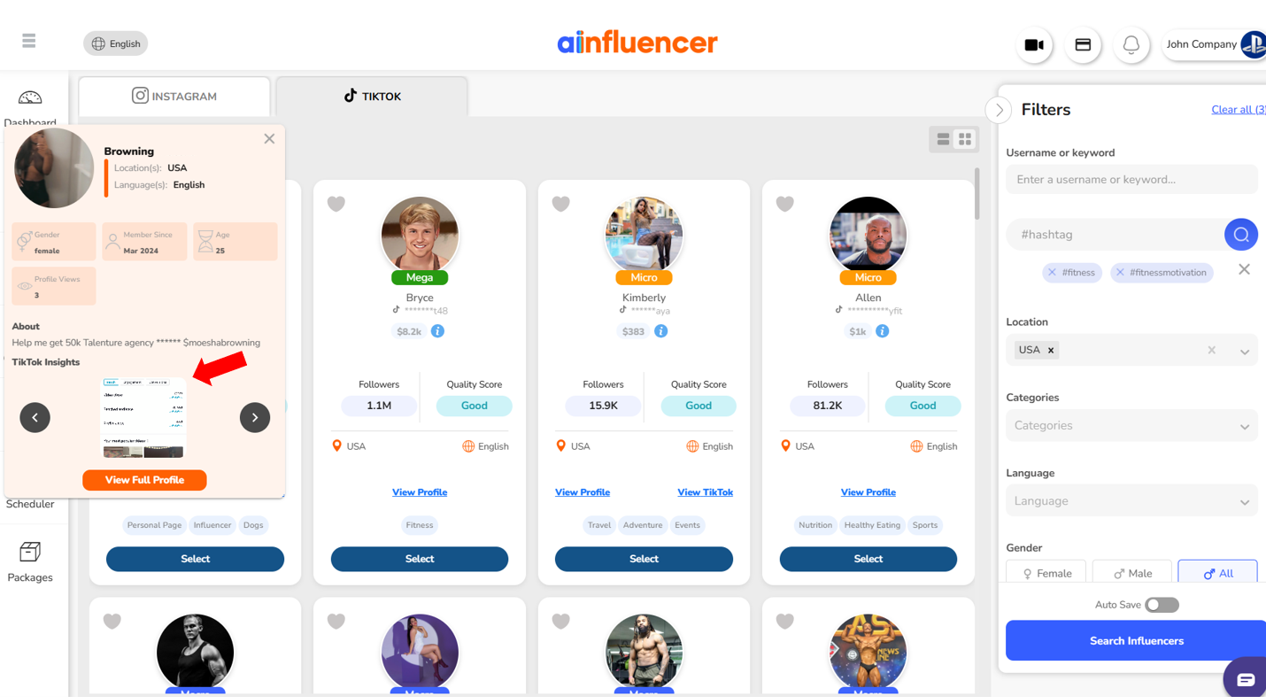
The best way to share your TikTok insights with brands on Ainfluencer is by uploading them during the onboarding process. When you upload your analytics to your profile, brands can view them directly—without needing to ask for them in chat.
Uploading TikTok Insights During Onboarding
Log in to your Ainfluencer account and go to your profile.
Choose the TikTok account you’ve already connected and want to activate.
Tap “Edit Profile” to continue the onboarding process.
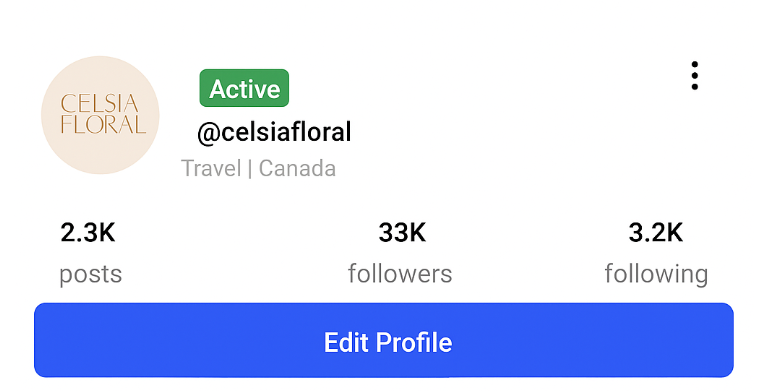
4. Reach to Step 10: Upload Instagram Insights or TikTok Analytics.
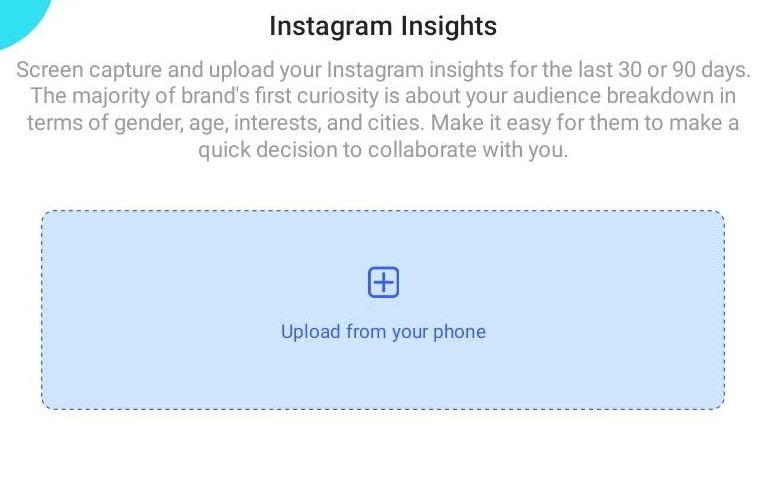
5. Upload clear screenshots of your TikTok analytics from the last 30–90 days. These should include:
Audience gender and age breakdown
Top territories (cities or countries)
Follower activity times (when your audience is most active)
Performance metrics such as video views, reach, and engagement rates
Once uploaded, these insights will be visible on your Ainfluencer profile. This allows brands to evaluate your audience and performance before reaching out—saving time for both parties.
Can You Still Send Insights in the Chat?
Yes, there’s also an option to send insights directly inside the chat with a brand.
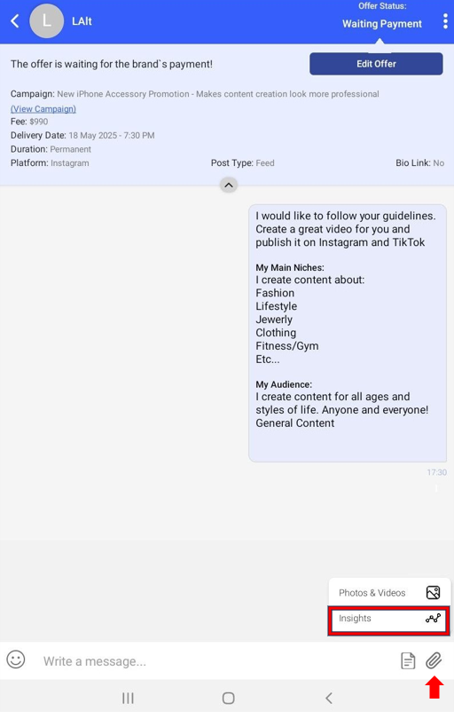
This is helpful in cases where:
You didn’t upload insights during onboarding.
The insights on your profile are outdated, and a brand wants more recent data.
When a brand requests updated insights, you can simply upload your most recent analytics screenshots in the chat thread to keep the conversation moving.
Note: It’s also important to update these screenshots every few months to refresh the data, ensuring brands have the latest insights to make quick decisions when choosing to collaborate with you.
Related Question:
1. How to Send Instagram Insights to Brands?
2. How to Submit and Revise Drafted Content?
3. How to Connect Your Instagram Account to Ainfluencer?
Insights on your profile are visible to every brand browsing, without anyone having to ask. Insights sent in a chat are seen by one brand, once, and only after they already decided to talk to you.
| On your profile | Sent in chat | |
|---|---|---|
| Who sees them | Every brand who finds you | One brand |
| When | Before they decide to contact you | After they contact you |
| Effort | Once | Every conversation |
| Effect on invitations | Direct | None |
Open Profile, tap the three dots on the account card and choose Sync with my Instagram. You can sync once every 24 hours, and Instagram accounts are refreshed automatically about once a month.