
How can you check the scheduled date for your post?
- Enter your account on the influencer app.
- Navigate to the Inbox section.
- Here, you can see all posts, whether published, scheduled, etc.
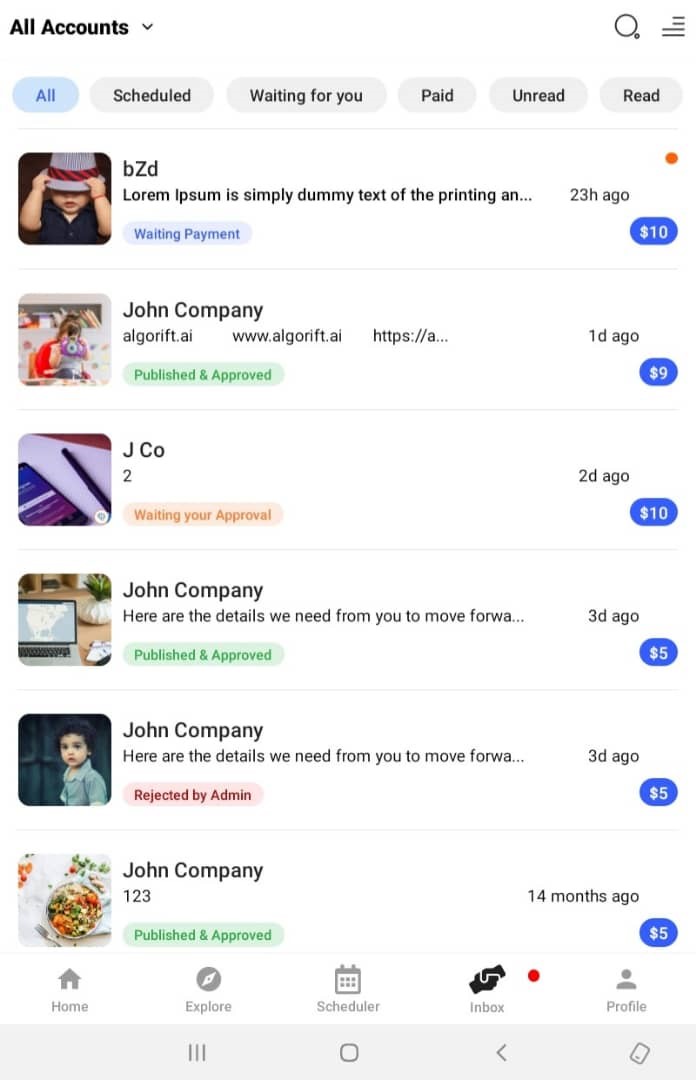
- Tap on the Scheduled tab to view the scheduled posts specifically and see the deadline for each deal.