
After creating your influencer account on Ainfluencer, you’ll need to complete the onboarding process to activate it.
If you don’t complete this process, your account will remain in draft mode until all required steps are finished.
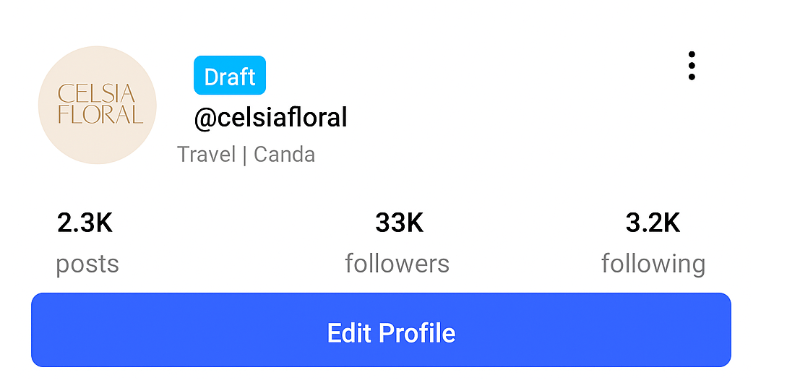
Once completed, your account will move to pending mode where the Ainfluencer team reviews your profile.
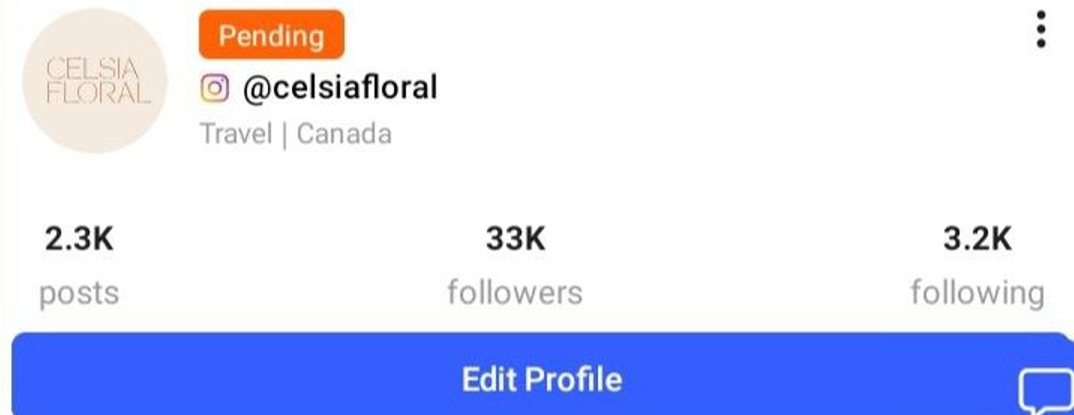
After approval, your account will be fully activated, allowing you to start collaborating and closing deals with brands.
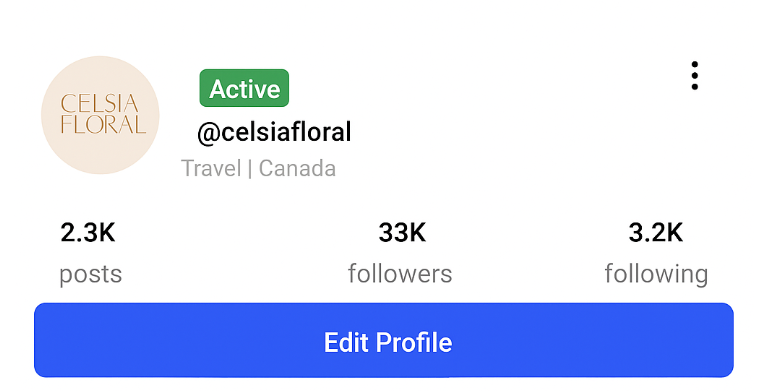
Profile Details to Complete During Onboarding
To get started, log in to your Ainfluencer account and go to your profile. Then, choose the Instagram or TikTok account you’ve already connected and want to activate. Once selected, tap on “Edit Profile”—you’ll be guided to fill out the required onboarding details.
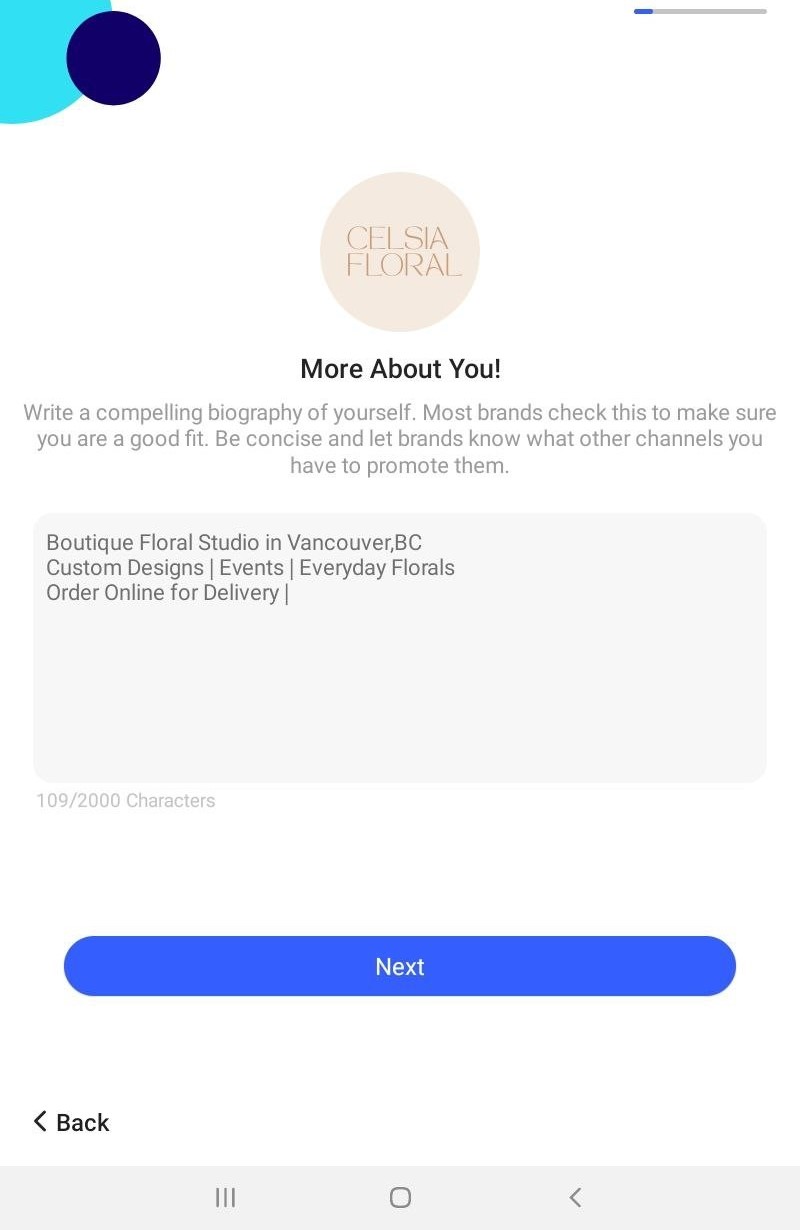
1. Write Your Bio
Write a short and compelling bio that describes who you are, what you do, and what you offer. Brands use this to evaluate your fit.
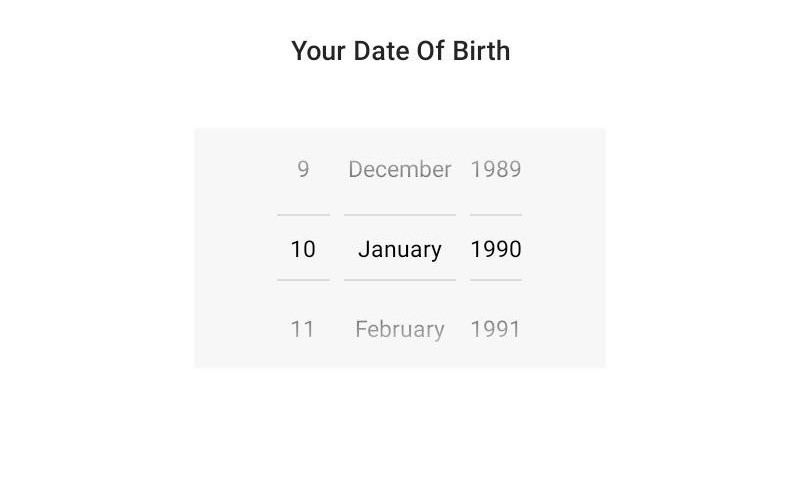
2. Enter Your Date of Birth
Select your birthdate from the scroll menu. This helps brands identify age-relevant collaborations.
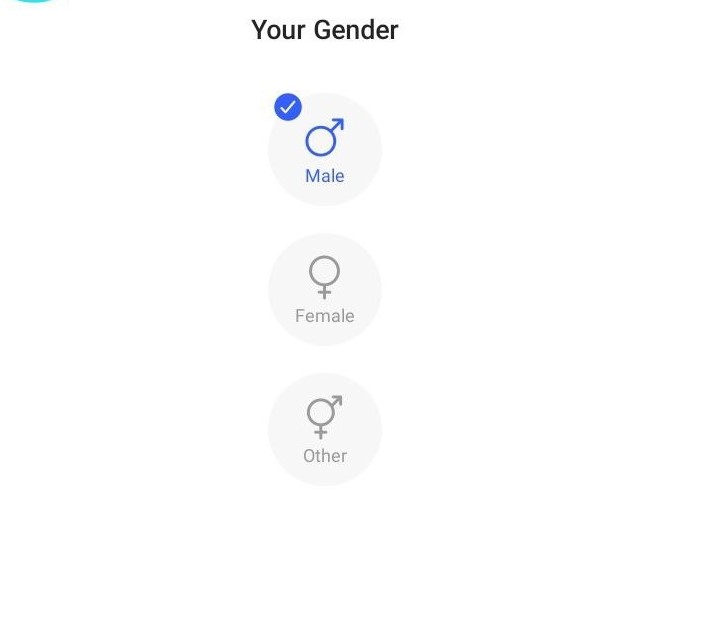
3. Select Your Gender
Choose one: Male, Female, or Other.
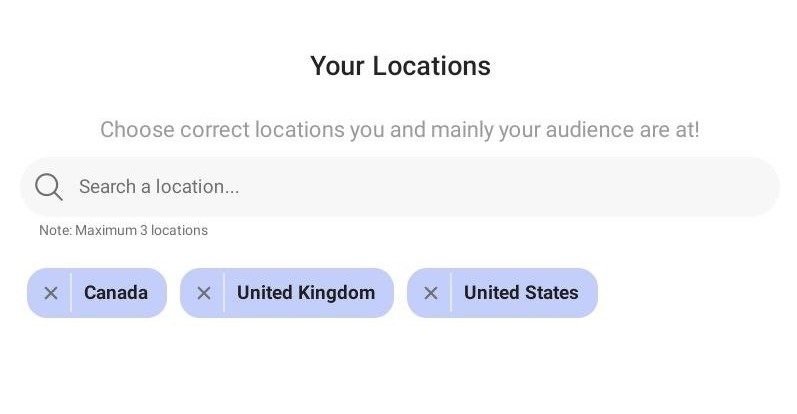
4. Set Your Target Locations
Add up to 3 locations where your audience is mostly based. Start typing and select from the dropdown.
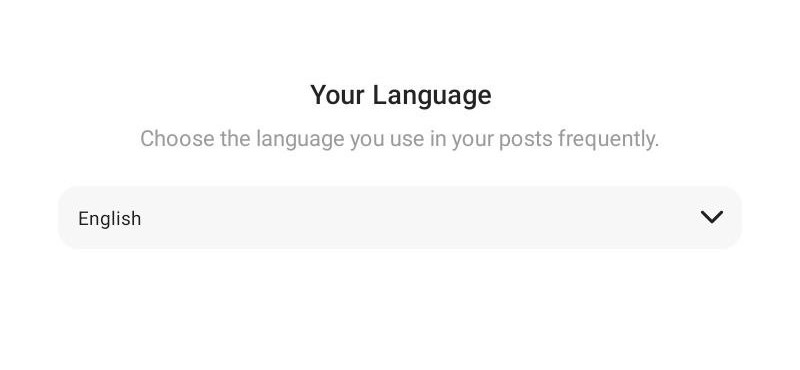
5. Choose Your Primary Language
Select the language you commonly use in your posts. This helps match you with brands that speak the same language.
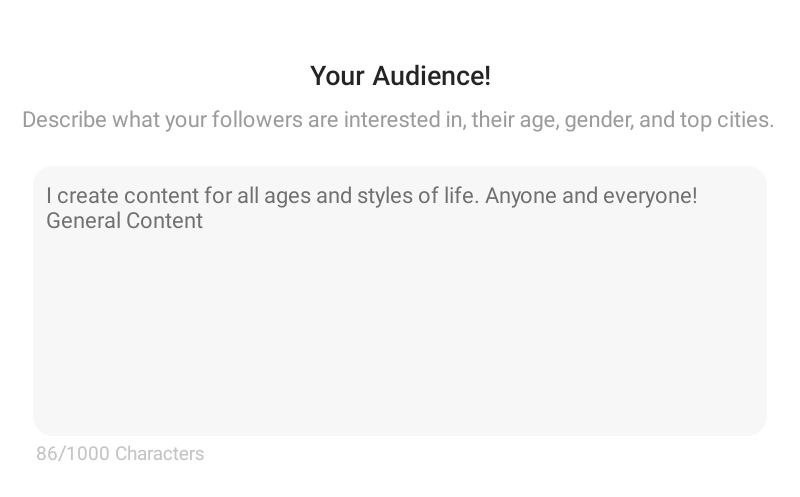
6. Describe Your Audience
Briefly explain who follows you—mention their interests, age range, or locations.
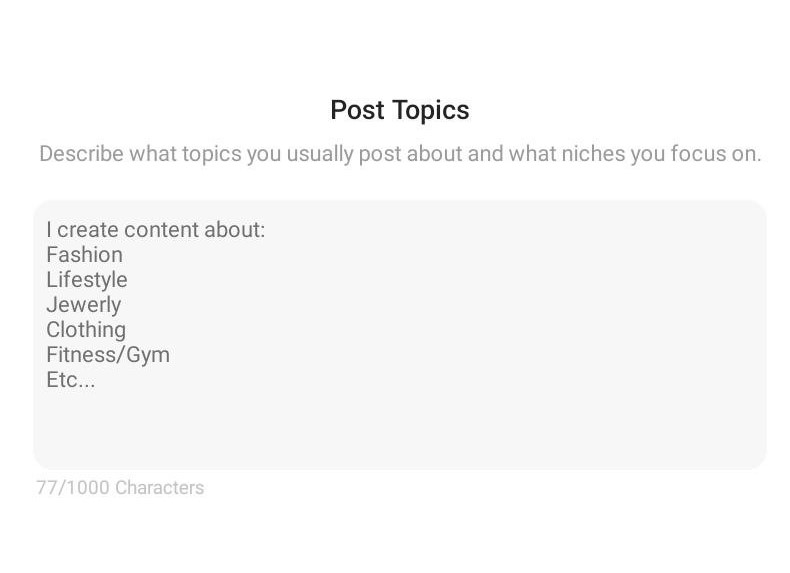
7. Define Your Post Topics
List the main topics or themes of your content (e.g., beauty, fitness, tech).
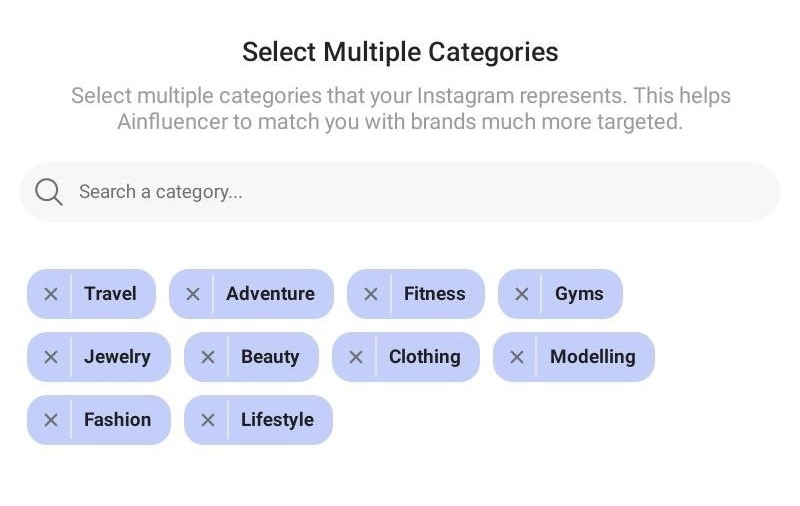
8. Choose Content Categories
Pick from suggested Instagram categories. These help the algorithm match you with the right brand opportunities.
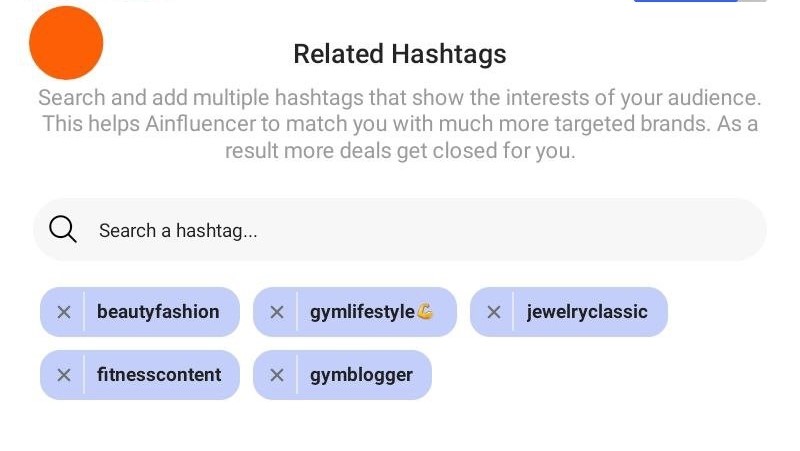
9. Add Related Hashtags
Include hashtags that represent your content and your audience’s interests. This increases discoverability.
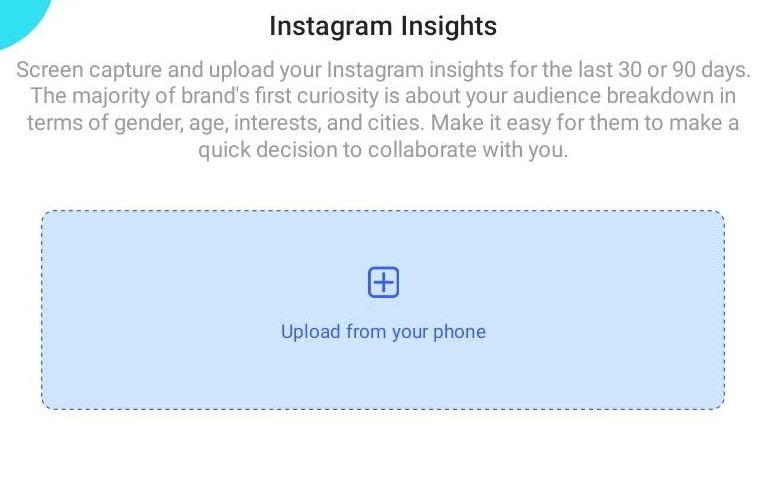
10. Upload Instagram Insights or TikTok Analytics
Upload screenshots of your Instagram or TikTok analytics (last 30–90 days), showing gender, age, interests, and top cities. This helps brands assess your audience more accurately.
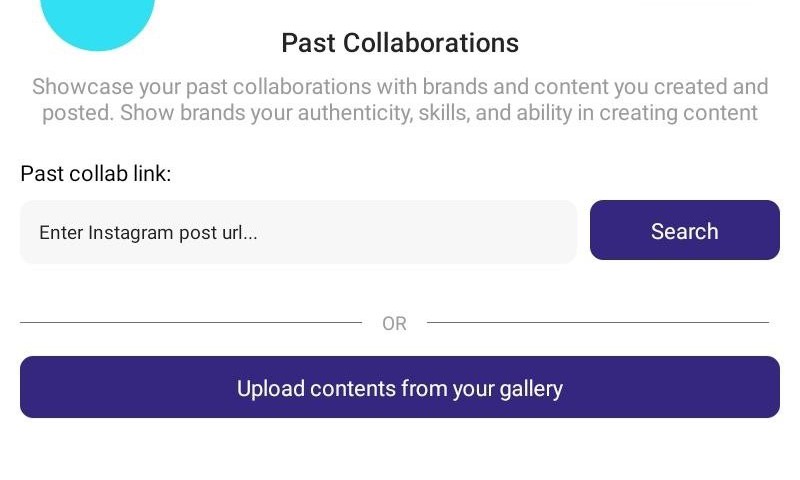
Showcase Past Collaborations
Paste URLs of past Instagram posts you’ve done for brands or upload them from your gallery. This builds trust and shows your experience with branded content. If you haven’t worked with any brands yet, you can skip this step for now.
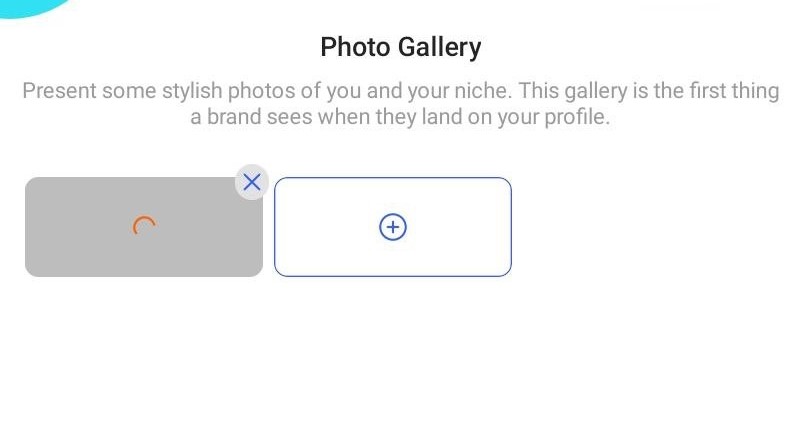
12. Upload to Your Photo Gallery
Upload appealing personal photos related to your niche. This is what brands will see first when visiting your profile. You can also skip this step.
Set Your Goals
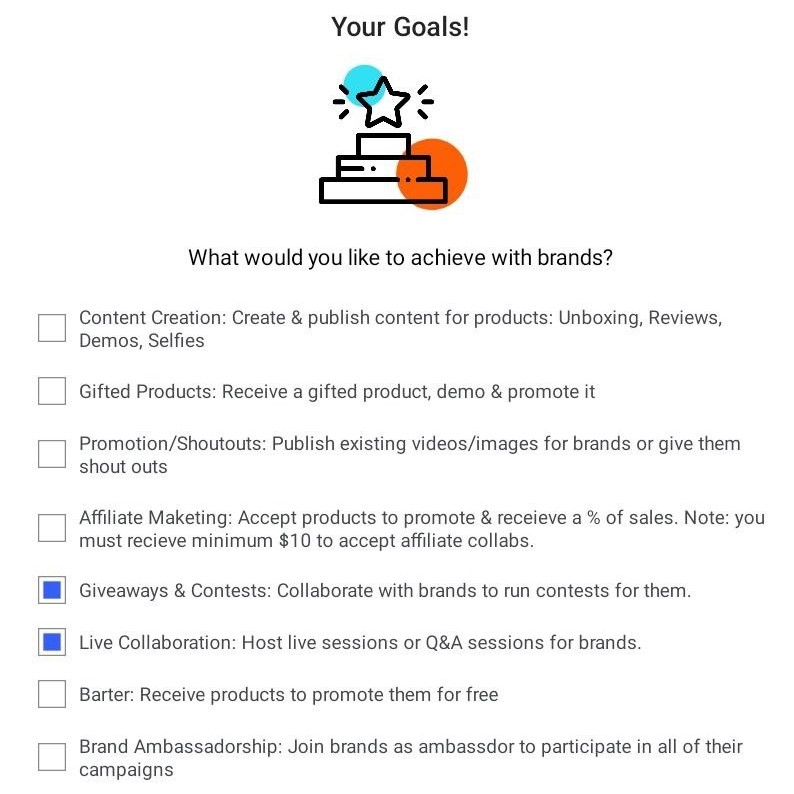
Check the boxes for the type of brand collaborations you’re open to. You can select multiple options:
- Content Creation
- Gifted Products
- Promotion/Shoutouts
- Affiliate Marketing
- Giveaways & Contests
- Live Collaboration
- Barter
- Brand Ambassadorship
14. Submit for Review
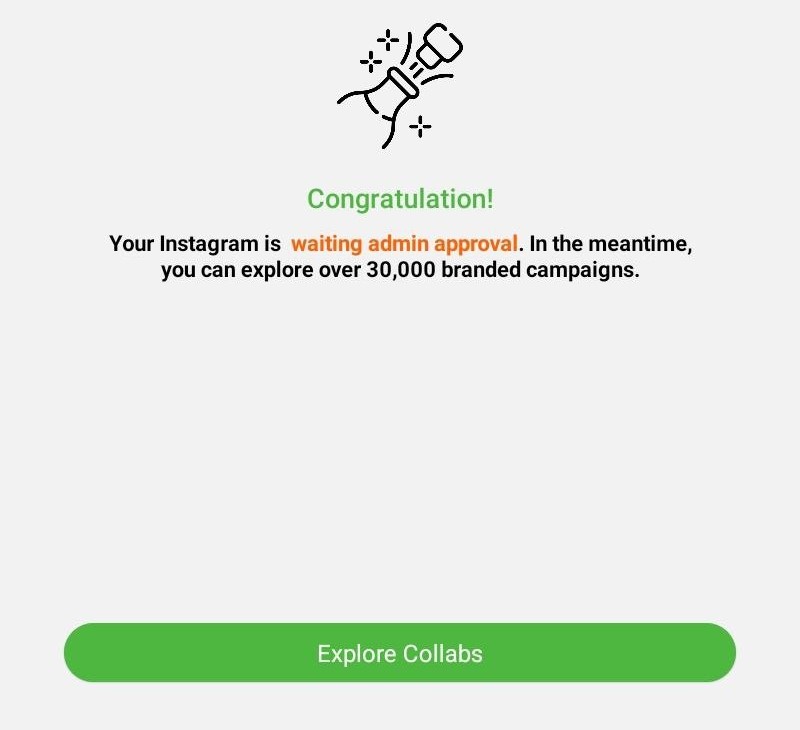
Once all the steps are completed, your account status will switch to “Waiting Admin Approval.” You’ll see a congratulatory message confirming submission.
Final Tips
- Complete every step to avoid delays in profile approval.
- Be honest and detailed—brands value transparency and clarity.
- You can always go back and edit your profile later, but any changes will move your account back to “Pending” status for re-approval.
- While waiting for admin review, you can still browse and explore over 30,000 brand campaigns on the platform.
| Requirement | TikTok and YouTube | |
|---|---|---|
| Must be public | No, private is fine | Yes |
| Minimum followers | Not applied | Yes, normally 100 |
| How ownership is proved | A direct message of your code to @ainfluencer.official | Signing in with the platform |
A private Instagram account can be activated. You do not need to make it public. The direct message you sent already proves the account is yours. TikTok and YouTube do have to be public.